 FreeClipper
Upload your long video
Choose a video file you have the rights to use. Set the number of clips, length and aspect ratio.
Upload a podcast, stream or video. FreeClipper finds the best moments, frames them for TikTok, Reels and Shorts, and burns in captions.
MP4, MOV, WebM, MKV · up to 60 min · 2 GB
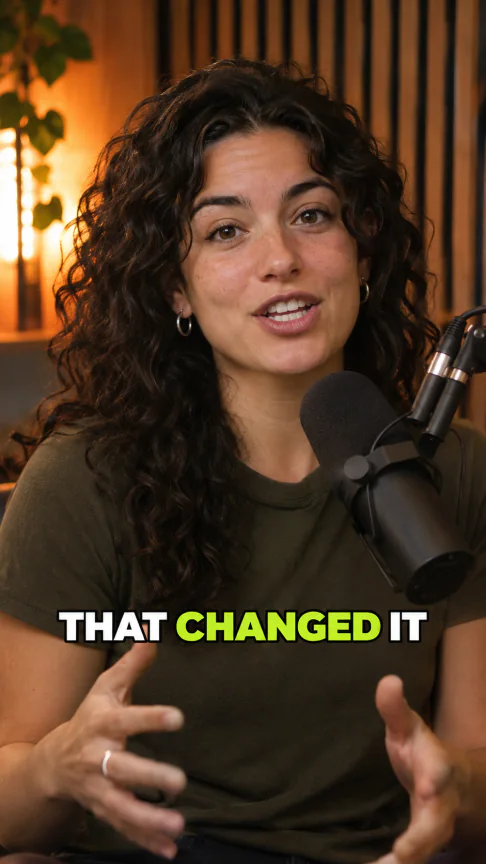
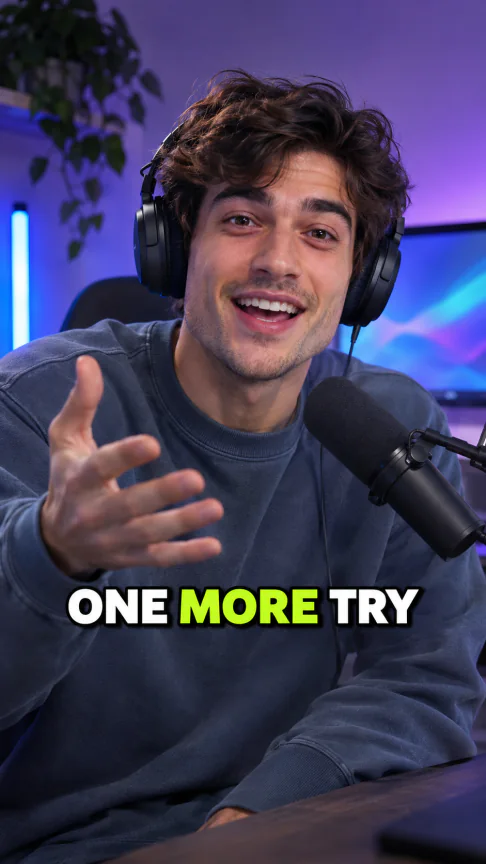
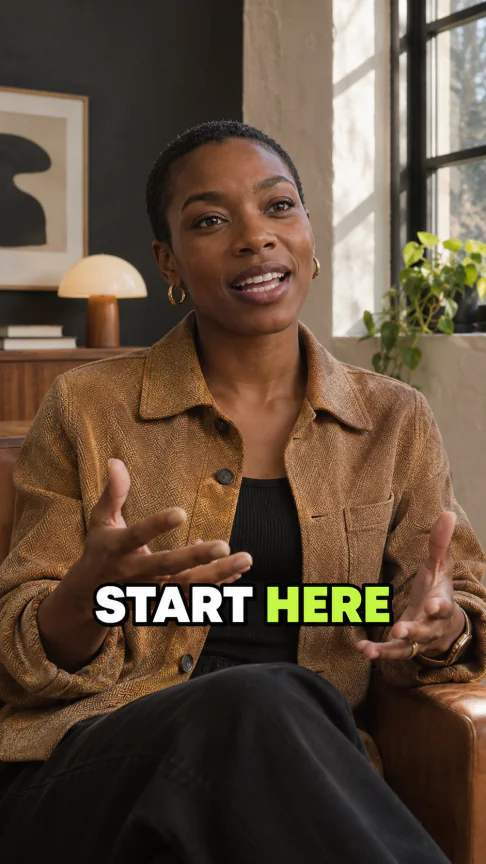
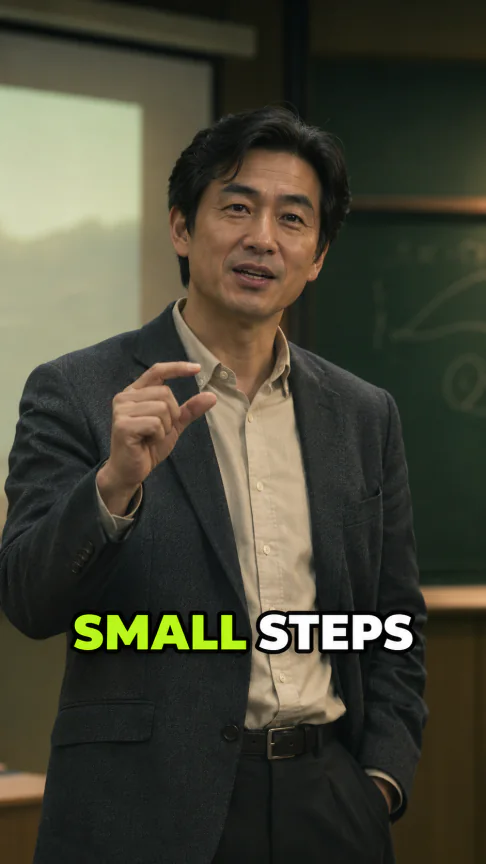
Choose a video file you have the rights to use. Set the number of clips, length and aspect ratio.
FreeClipper transcribes the audio and looks for self-contained moments with strong openings.
Preview your clips, then download each MP4 and its separate SRT subtitle file.
Use the score to decide which clips to preview first.
Keep the full image over a blurred background or fill the frame with a center crop.
Pick Bold, Highlight or Minimal, or turn off on-screen captions.
Use Auto or pick 15–30, 30–60 or 60–90 seconds. Request 3–10 clips.
Download timed subtitles separately for editing or uploading.
Use material you have permission to clip and check each campaign's rules before posting.
Turn a recorded episode or stream into highlights that make sense on their own.
Pick moments from talks, interviews or tutorials and package them for short-form feeds.
Get free credits when you sign up. Clipping costs 3 credits per source-video minute, rounded up with a 15-credit minimum. Failed jobs receive a full credit refund.
The charge is based on the source duration, so choosing more clips does not raise the cost.
Every MP4 export is watermark-free.
Open your history to download the MP4 or SRT during that period.
It finds moments in a long video and turns them into standalone short clips, with framing and optional on-screen captions.
You get free credits when you sign up. Use them to clip videos and buy more credits when you need them.
3 credits per source minute, rounded up to the next whole minute, with a minimum of 15 credits per video.
MP4, MOV, WebM or MKV files up to 2 GB and 60 minutes, with both a video track and an audio track.
Link import is unavailable. Upload a video file that you own or have permission to use.
FreeClipper detects the spoken language automatically. Captions and clip titles follow the source language.
Yes, if you own or have permission to use the material and follow the campaign's rules.
No. Every plan exports without a watermark.
Clip downloads are available for 30 days. Source files, extracted audio and transcripts expire after two days.
The credits charged for the failed job are returned in full.